 NotchBuddy
The Music tool
Music: Spotify and Apple Music in your MacBook notch
The song, the artwork and the controls sit in your notch, so you never switch apps to skip a track.
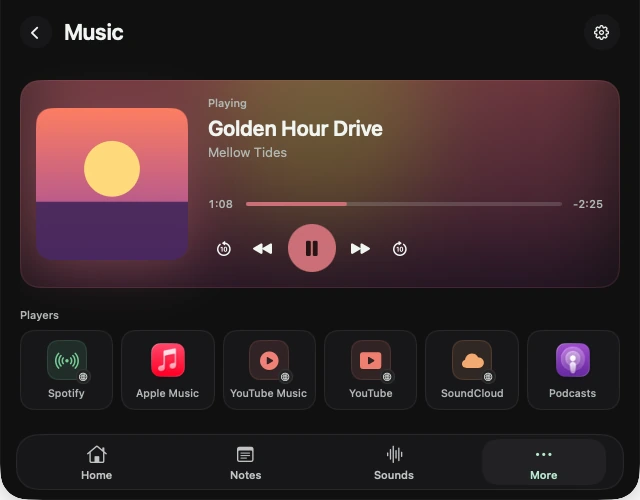
Whatever's playing
Spotify, Apple Music and Podcasts, plus music or video playing in a browser tab: YouTube, YouTube Music, the Spotify web player or SoundCloud in Chrome, Safari, Arc, Edge or Brave.
In the notch while it plays
While music plays, the closed notch shows the track and a small equaliser next to your pet. Hover to peek, click for the full player with a scrubber, skip and play/pause.
⌃⌥Space
Hover over the notch, or press Control-Option-Space from any app, then pick the tool from Home or More.
Questions, answered.
Does it ask for permissions?
Music and Spotify ask once, the first time you use Now Playing. You can change it later in System Settings → Privacy & Security.
Will my pet make noise over my music?
No. Pet sounds stay quiet while music plays.