 NotchBuddy
The Reminders tool
Reminders: type it, hear it out loud
Type a reminder the way you'd say it. When it's time, NotchBuddy shows it in the notch and can read it out loud.
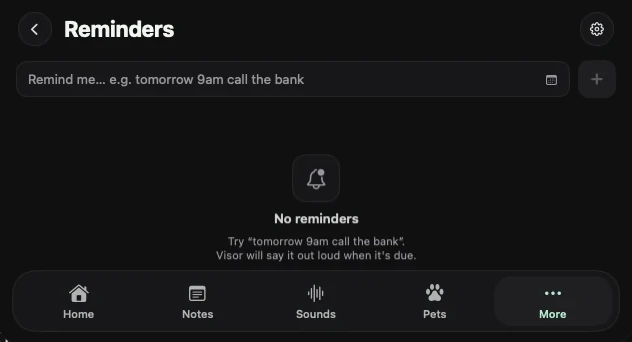
Write it like a sentence
Type "tomorrow 9am call the bank" and NotchBuddy picks out the time and keeps the rest as the reminder. No date pickers.
Said out loud
Reminders can speak up in a natural voice that's built in and works offline. Turn the voice off and you still get the reminder in the notch.
Questions, answered.
Does it sync with Apple Reminders?
No. NotchBuddy keeps its own reminders on your Mac. For your calendar, the Calendar tool reads events read-only.
Do I need to be online for the voice?
No. The voice runs on your Mac.