 NotchBuddy
The Clipboard tool
Clipboard history for Mac, in the notch
Copied something an hour ago and copied over it since? Hover the notch, search, click. It's back on your clipboard.
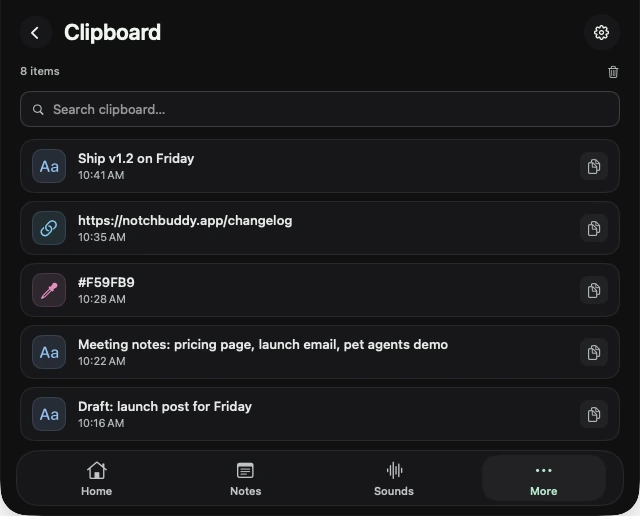
Search, click, paste
Every copy is kept in a searchable list with when you copied it. Click one and it's back on your clipboard, ready to paste.
Passwords are skipped
Anything a password manager marks as secret or temporary is never saved, so your passwords don't end up in a history list.
Questions, answered.
Can I clear the history?
Yes, from the Clipboard tool.
Does it save passwords?
No. Copies a password manager marks as secret or temporary are skipped.