 NotchBuddy
What to do with your MacBook notch: 10 useful ideas
Since 2021 the notch has been a black rectangle you work around. Here are ten small jobs it's surprisingly good at.
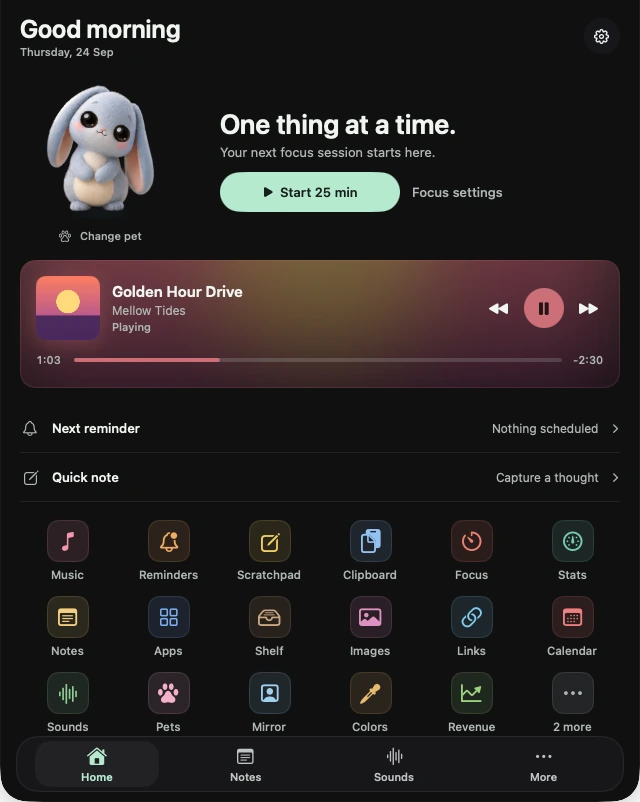
Every 14- and 16-inch MacBook Pro since 2021, and every MacBook Air since the M2, has a notch in the middle of the menu bar. macOS treats it as a hole: menus flow around it and menu bar icons can disappear behind it. But it's also the one spot on your screen that's always visible and never covered by a window, which makes it a very good place for small things you glance at.
Here are ten jobs it handles well. All of them are built into NotchBuddy; several other notch apps cover some of them too.
1. See what's playing
The track and a tiny equaliser in the notch, with play, pause and skip on hover. Works with Spotify, Apple Music and music in a browser tab. See Music.
2. Run a focus timer without a window
A thin line filling along the notch is the least distracting timer there is. See Focus and our Pomodoro guide.
3. Hear when you make a sale
For indie makers: Stripe, RevenueCat, Lemon Squeezy, Polar, Paddle, Dodo Payments, Gumroad and App Store Connect sales as a small pill and a cha-ching. See Revenue.
4. Get back something you copied
A searchable clipboard history one hover away. Password-manager copies are skipped. See Clipboard.
5. Park a file between two apps
Drag a file onto the notch, switch apps, drag it back out, or AirDrop it to your phone. See Shelf.
6. Jot something down
Sticky notes in five colours and a scratchpad that saves itself. See Notes and Scratchpad.
7. Get reminded, out loud
Type "tomorrow 9am call the bank" and hear it when it's time. See Reminders.
8. Check your Mac's vitals
CPU, memory, disk, network and battery in one glance instead of four menu bar meters. See Stats.
9. Check your camera before a call
A two-second mirror. Nothing recorded. See Mirror.
10. Keep a little company
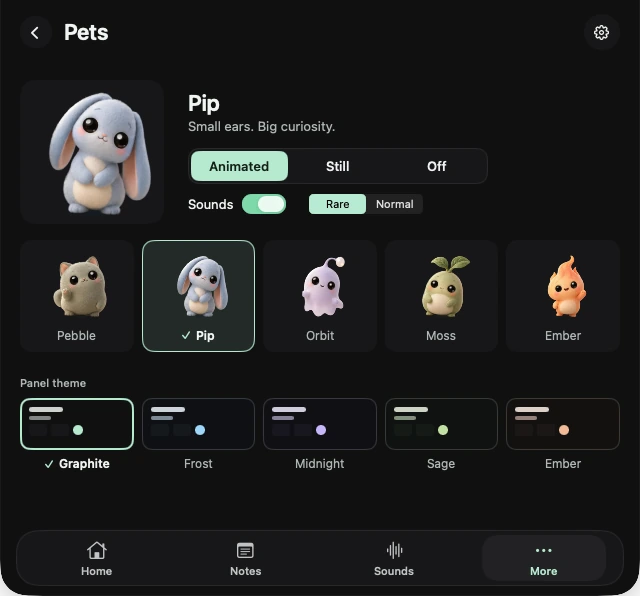
A small plush pet that walks along the notch, naps when you step away and jumps when you get paid. It sounds silly until you have one. See Pets.
No notch? It still works
On a Mac without a notch, or on an external display, NotchBuddy shows a small black pill at the top centre of the screen. More in using notch apps without a notch.
Before you add anything: tidy the menu bar
On a notched Mac, menu bar icons that don't fit disappear behind the notch without warning. Remove the ones you never click, then decide what deserves a glance. Moving small things into the notch itself frees space on either side.