NotchBuddy




01 / Music
Music controls in the notch
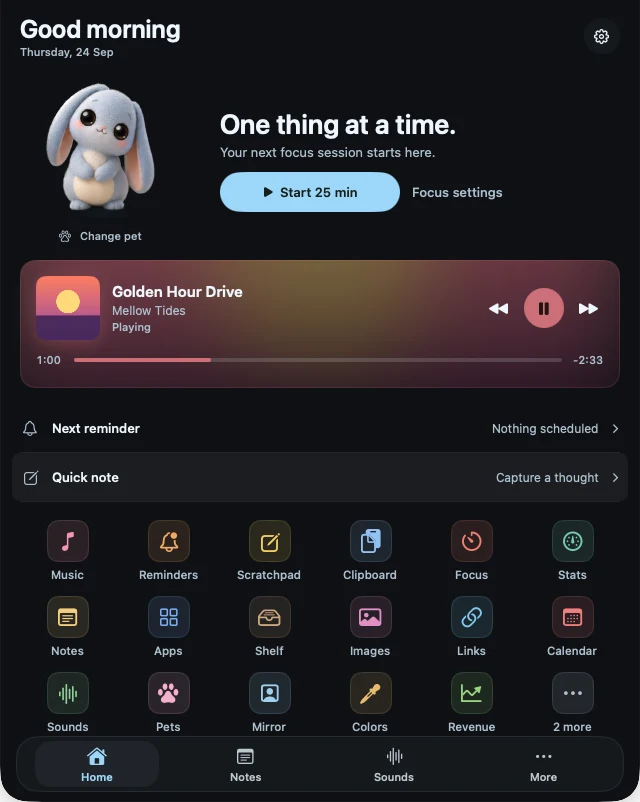
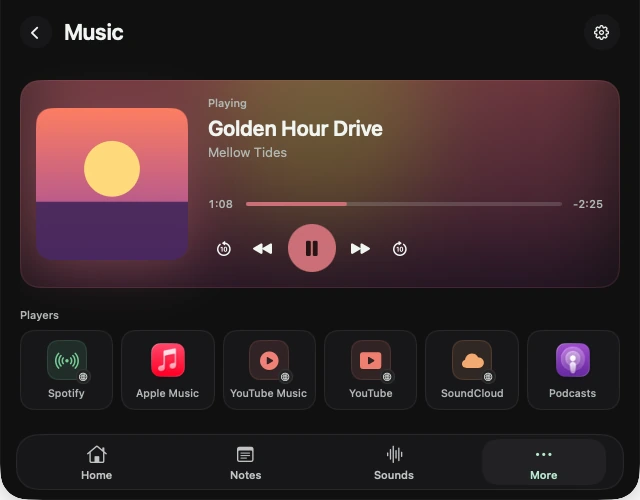
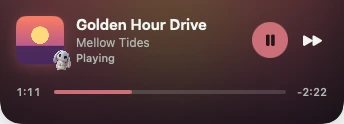
Play, pause, skip and scrub without switching apps. Spotify, Apple Music, and whatever’s playing in your browser.
A Pomodoro timer, clipboard history, a file shelf with AirDrop, music, reminders and live Stripe sales, one hover away in your MacBook’s notch. Plus a little pet to keep you company.
Pay once. No subscription. 14-day refund.
MacBook Pro & Air with a notch · Any Mac, as a small pill · macOS 14+
A 54-second film of the app. Turn the sound on.
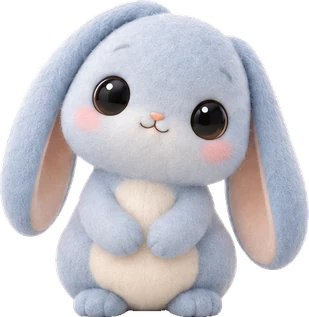
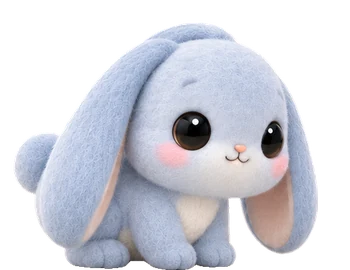
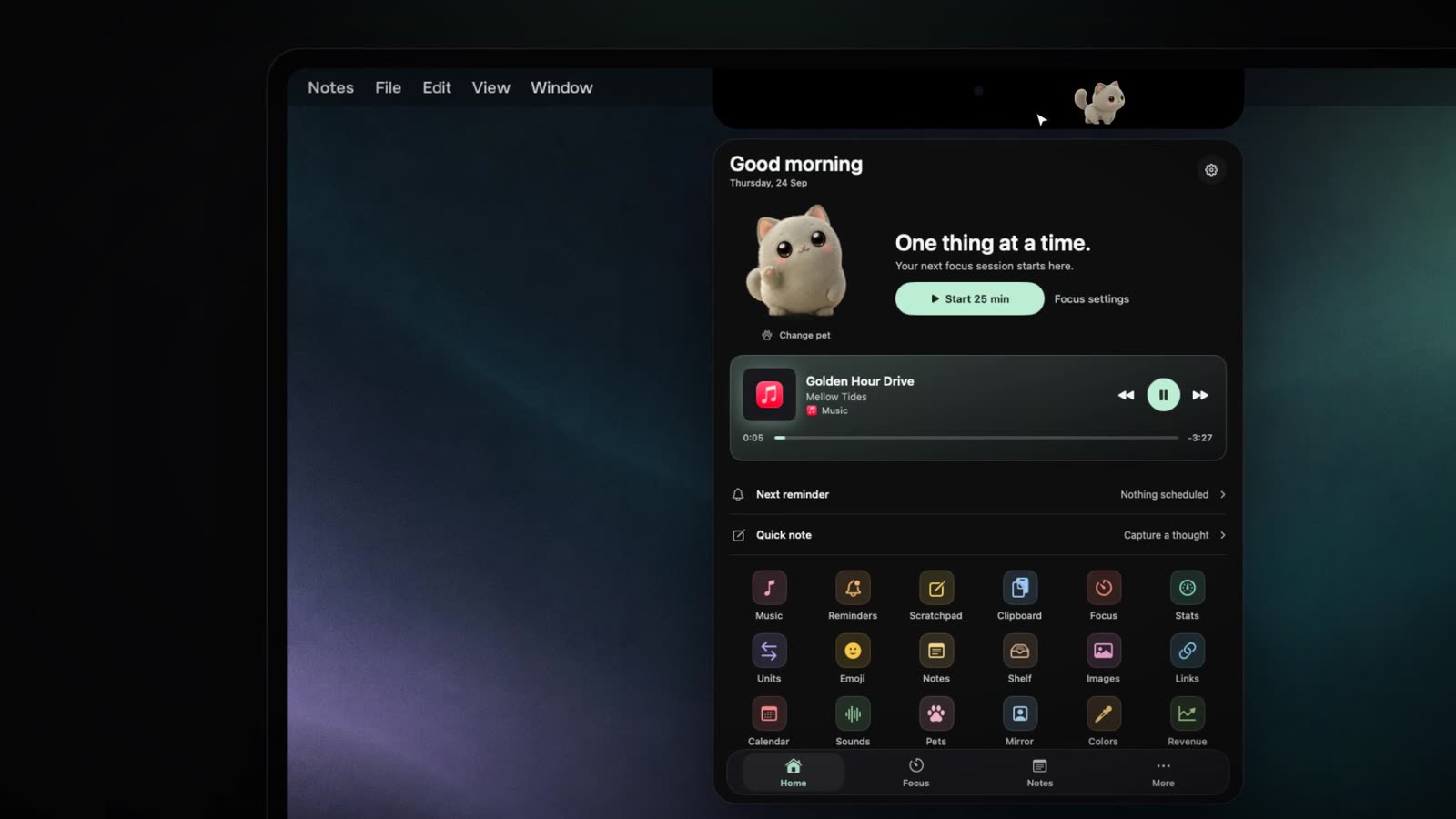
Your MacBook has a notch. Meet NotchBuddy: hover the notch and your day drops down. Focus timers, music, sticky notes, clipboard history, reminders in plain English and your Mac's stats: nineteen tools, one hover away. Sell apps? Every Stripe, RevenueCat or App Store Connect sale lands right in your notch. Five little pets wander, nap and stay quiet while you focus. Five themes, on Apple silicon and Intel. NotchBuddy is $10, pay once, at notchbuddy.app.
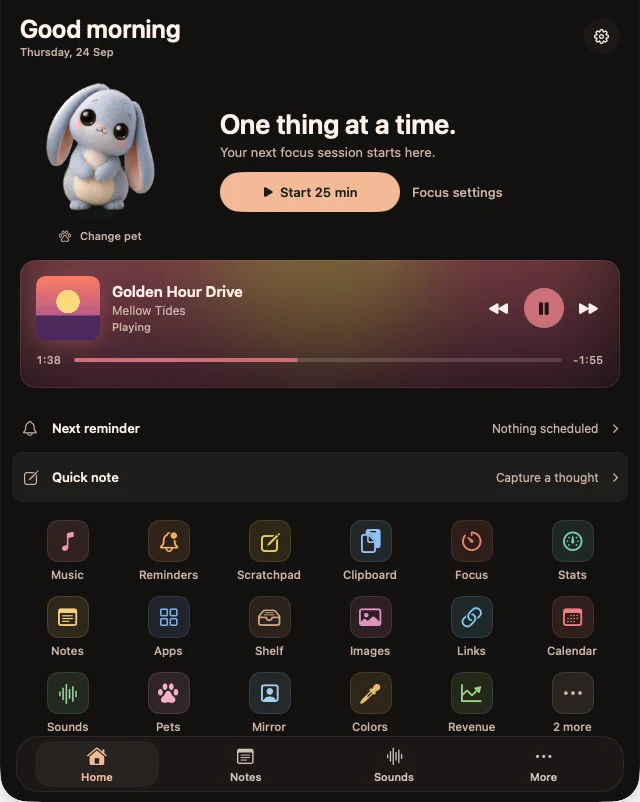
Hover to peek, click to open a tool. Move away and it tucks back into the notch.
The panel closes. A little life stays at the top.
Golden Hour Drive
Play, pause, skip and scrub without switching apps. Spotify, Apple Music, and whatever’s playing in your browser.
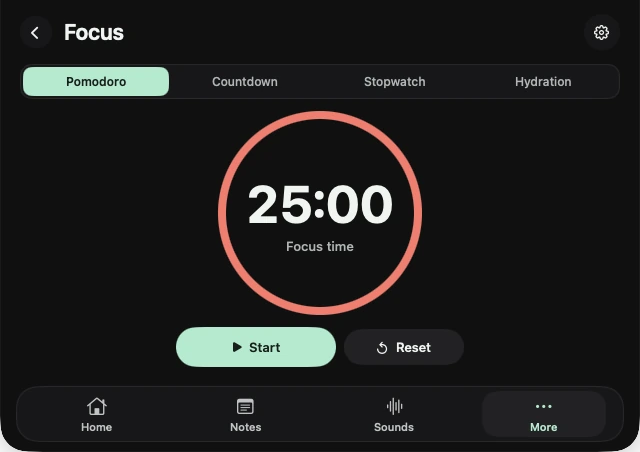
Start a Pomodoro, countdown or stopwatch. A thin line fills along the notch while you work.
Sticky notes in five paper colours, and a scratchpad that saves itself.
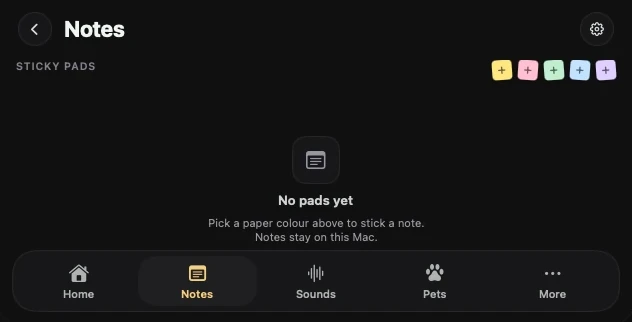
Reminders, quick notes, a clipboard history, a shelf for files you want on your phone, and more. Switch off any you don’t use in Settings.
Explore all tools ↗“Call the bank” · said out loud at 9:00
Your tools, your choice. Turn each one on or off in Settings.
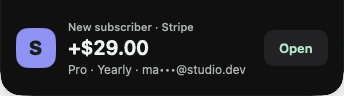
New sales, renewals and trials come in with a cha-ching, and your pet reacts. Today’s takings are at a glance.
Connect with a read-only key. It stays in your Mac’s Keychain. App Store Connect reports yesterday’s totals.

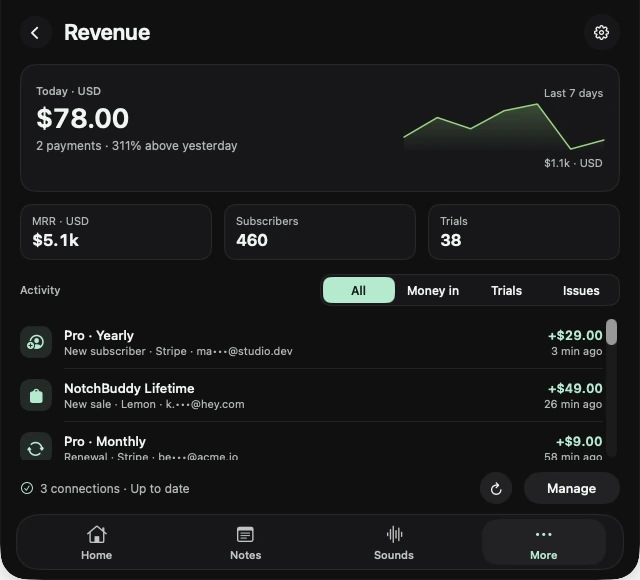
Sales and subscription activity, plus MRR from active subscriptions.
Revenue and subscription totals. Alerts reflect what changed between syncs.
Orders, renewals, trials, refunds and failed payments, plus 30-day revenue.
Orders, renewals, trials and refunds, plus MRR and active subscriptions.
Transactions, renewals, trials, refunds and failures, plus MRR.
Payments, subscription charges, trials and refunds.
Sales, membership renewals and refunds.
Daily units and proceeds. Apple publishes each completed day, so this is a report, not live.
More ways to bring your sales to the notch.
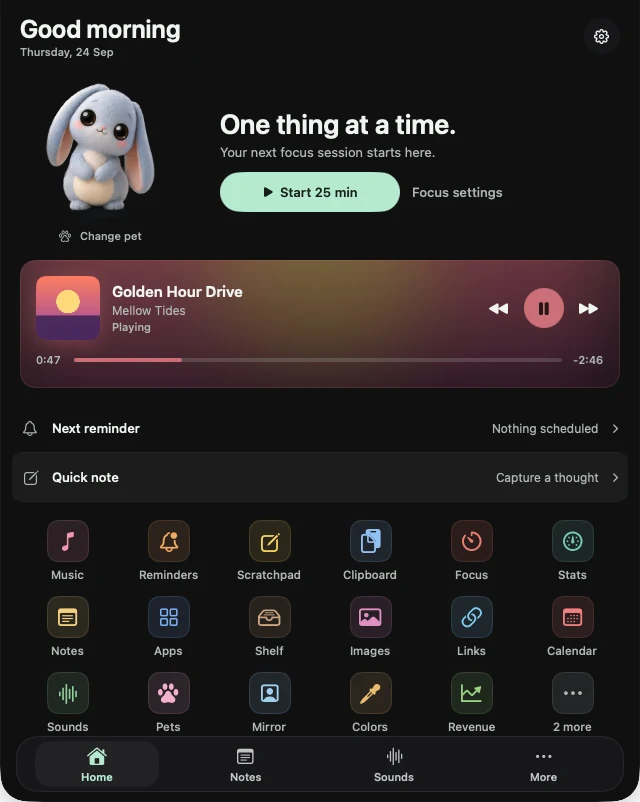
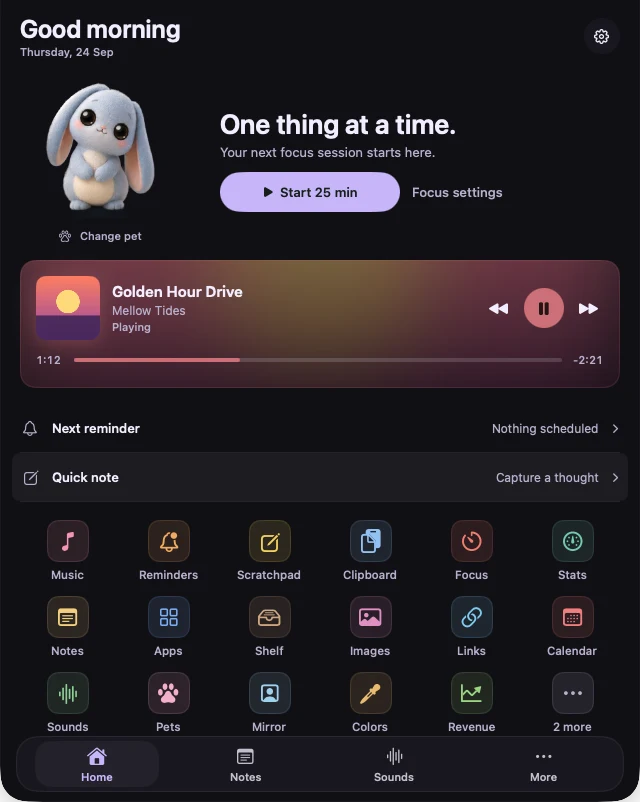
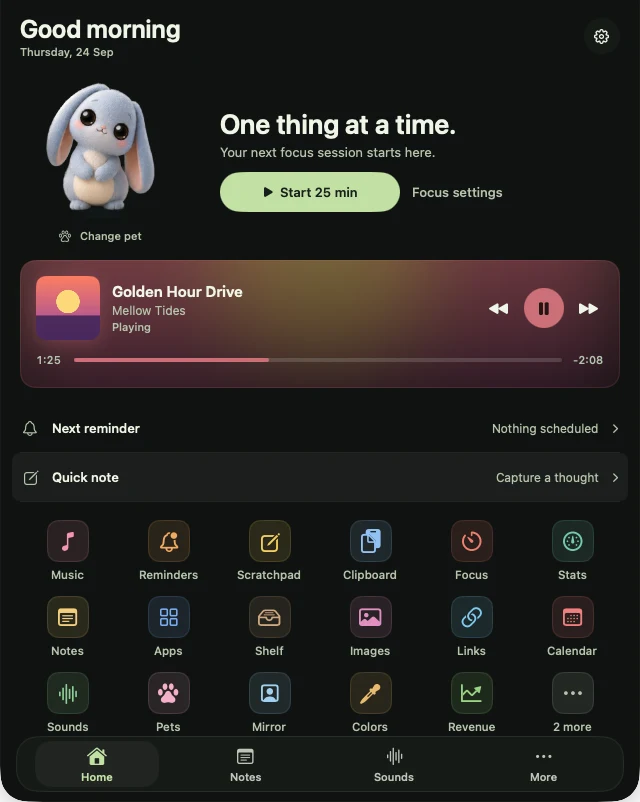
Real Home panel · Graphite. Tap the notch to open or close.
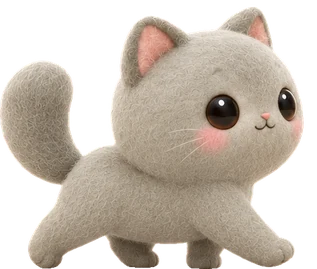
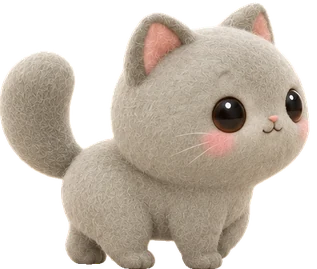
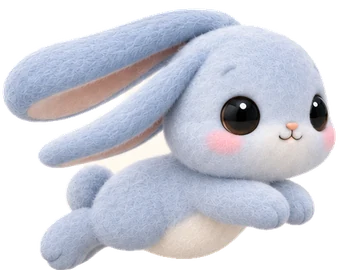
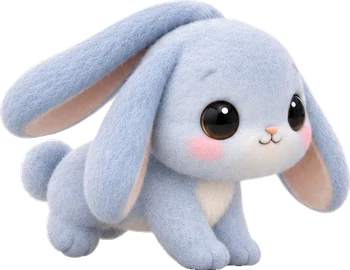
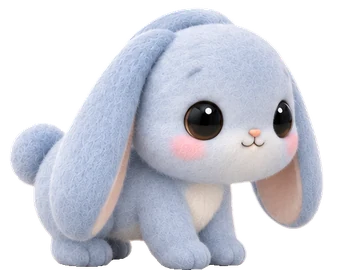
A calm little companion.
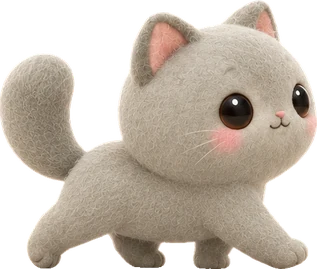
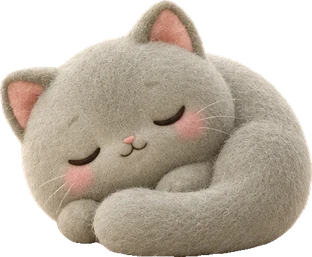
Walks the notch on four soft paws, stretches, and purrs once in a while when you hover.
A quiet neutral for everything you do.
In the app, click your pet on Home to change pets and themes.
Launch directories that list NotchBuddy. Each badge links to the directory.
All nineteen tools and all five pets. Every 1.x update. No subscription.
one-time · USD · same price everywhere
One-time payment of $10 (US dollars), the same price in every country; checkout can show it in your own currency. Local taxes are added at checkout where they apply.
$10 through Dodo Payments’ secure checkout. One payment, nothing recurring.
The download link and your licence key appear as soon as you’ve paid, and the order email from Dodo Payments has your key too.
Open NotchBuddy, follow the short welcome and paste your licence key. Your pet walks in.
An app that turns the black camera notch at the top of a MacBook screen into a small workspace. Hover over it and a panel opens with your tools; move away and it tucks back in. NotchBuddy puts 19 tools there, from a Pomodoro timer and clipboard history to a file shelf and live sales, plus an animated pet.
Two things no other notch app lists: live sales alerts from Stripe, RevenueCat, App Store Connect and five more platforms, and a desk pet that lives in the notch. Some of them have things NotchBuddy doesn't, like weather, volume and brightness pop-ups or an AI chat. See the full comparison.
Yes. On a Mac without a notch, or on an external display, NotchBuddy sits as a small black pill at the top centre of the screen, and your pet lives in there instead.
No subscription: you pay $10 once and every 1.x update is included. There's no trial, but there's a 14-day refund. If NotchBuddy isn't for you, email us and you get your money back.
One. Each licence key works on one Mac only and can't be shared; for another Mac, buy another licence. Got a new Mac? Deactivate the old one in NotchBuddy's Settings, then enter the same key on the new one.
Right after you pay it's shown on the download page you land on, and Dodo Payments emails it to you with your receipt. You can see it again any time in your customer portal (sign in with the email you bought with). Bought before 6 October 2026? It's in your Polar customer portal.
Yes. NotchBuddy shows whatever your Mac says is playing: Spotify, Apple Music, Podcasts, and music or videos playing in a browser tab, like YouTube, YouTube Music, the Spotify web player or SoundCloud in Chrome, Safari, Arc, Edge or Brave. You get the artwork, a scrubber and play, pause and skip.
Yes. The Revenue tool connects to Stripe, RevenueCat, Lemon Squeezy, Polar, Paddle, Dodo Payments, Gumroad and App Store Connect with a read-only key you create. New sales, renewals and trials show in the notch with a sound, refunds and failed payments are flagged, and you see today's takings, MRR and subscribers. The key stays in your Mac's Keychain and goes only to that platform. App Store Connect reports once a day, so it shows yesterday's totals.
Rarely: a quiet purr, yawn or chirp a few times an hour at most, never during focus sessions or while music plays. One switch turns sounds off.
Nothing leaves your Mac. Notes, reminders and clipboard history are stored only on your Mac, and anything a password manager copies is skipped.
Yes: NotchBuddy: Notch Pet & Tools is on the Mac App Store, sold under the seller name DIGITALSTALK PRIVATE LIMITED. The download costs nothing and comes with a 3-day trial of everything. After that a one-time $19.99 in-app unlock keeps it for good, with no subscription, and anyone who bought version 1.0 for $19.99 is already unlocked. Apple's sandbox leaves out two things there, the app launcher and music playing in a browser tab, so it has 18 tools and shows Music and Spotify, and it needs an Apple silicon Mac. Everything else is the same. A Mac App Store purchase and a licence bought here are separate, and Apple handles that edition's updates and refunds.
Free or paid, polished or packed with tools: which notch app to pick for music, focus, files, developer work or sales alerts.
NotchNook's product page and Setapp listing are offline. Here's what to use instead, depending on what you used it for.
Apple put Dynamic Island on the iPhone, not the Mac. Notch apps fill the gap. Here's how they work, and which one to pick.